

Capture
Record displays, windows, selected areas, audio, and camera overlays with cursor, click, countdown, and auto-stop controls.
Open Source Menu Bar Recorder for macOS
Record your Mac screen with system audio or your microphone, clip the last few minutes, transcribe video and audio locally, and export without ceremony.
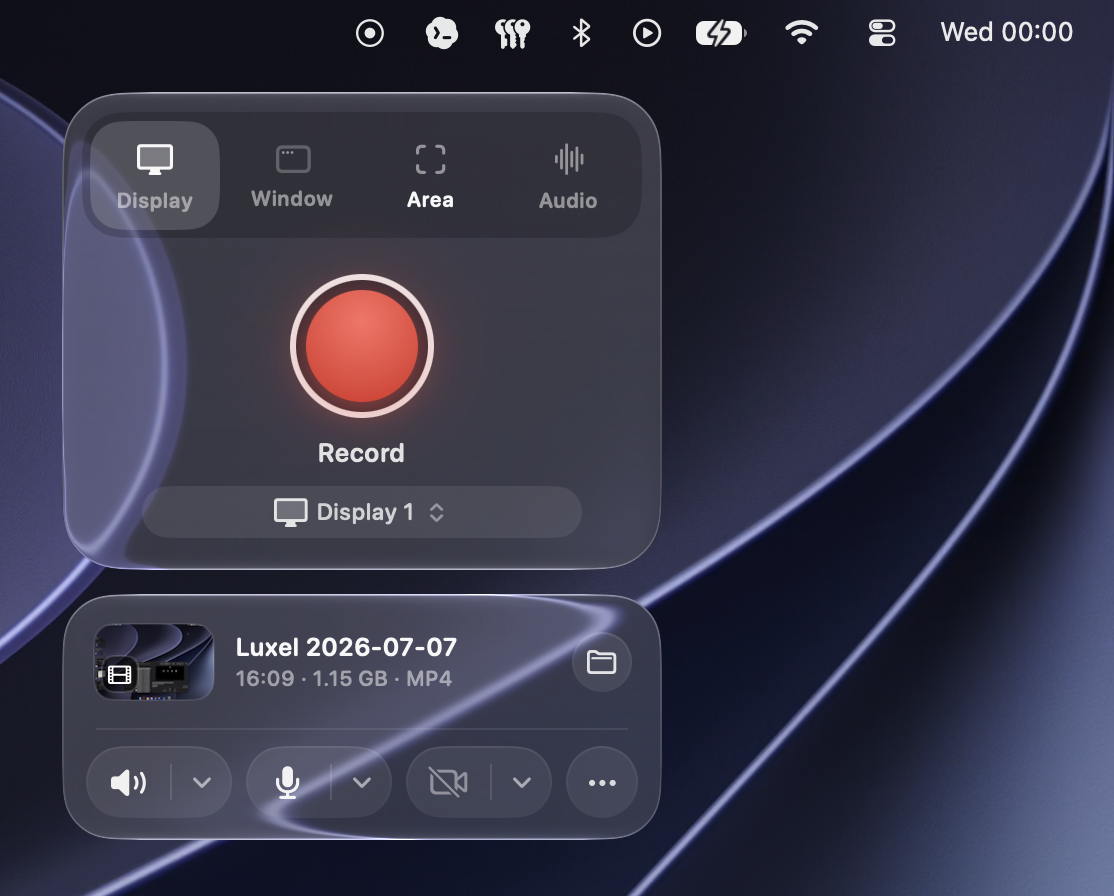
Record displays, windows, selected areas, audio, and camera overlays with cursor, click, countdown, and auto-stop controls.
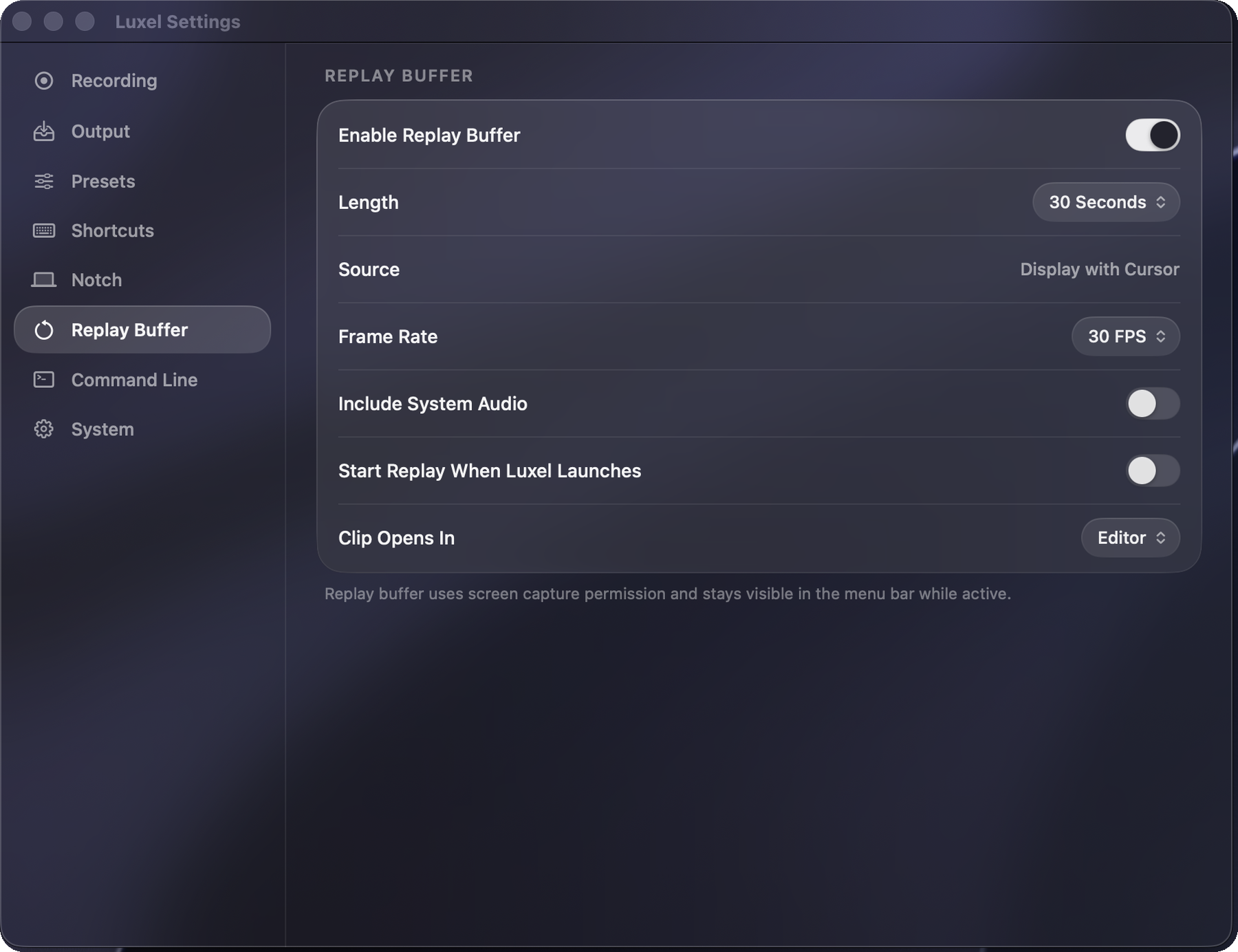
Keep recent screen history ready, then export the last 30 seconds, 1 minute, 2 minutes, or 5 minutes.
Record, export, and transcribe from scripts with an authenticated CLI, plus URL workflows and App Shortcuts.
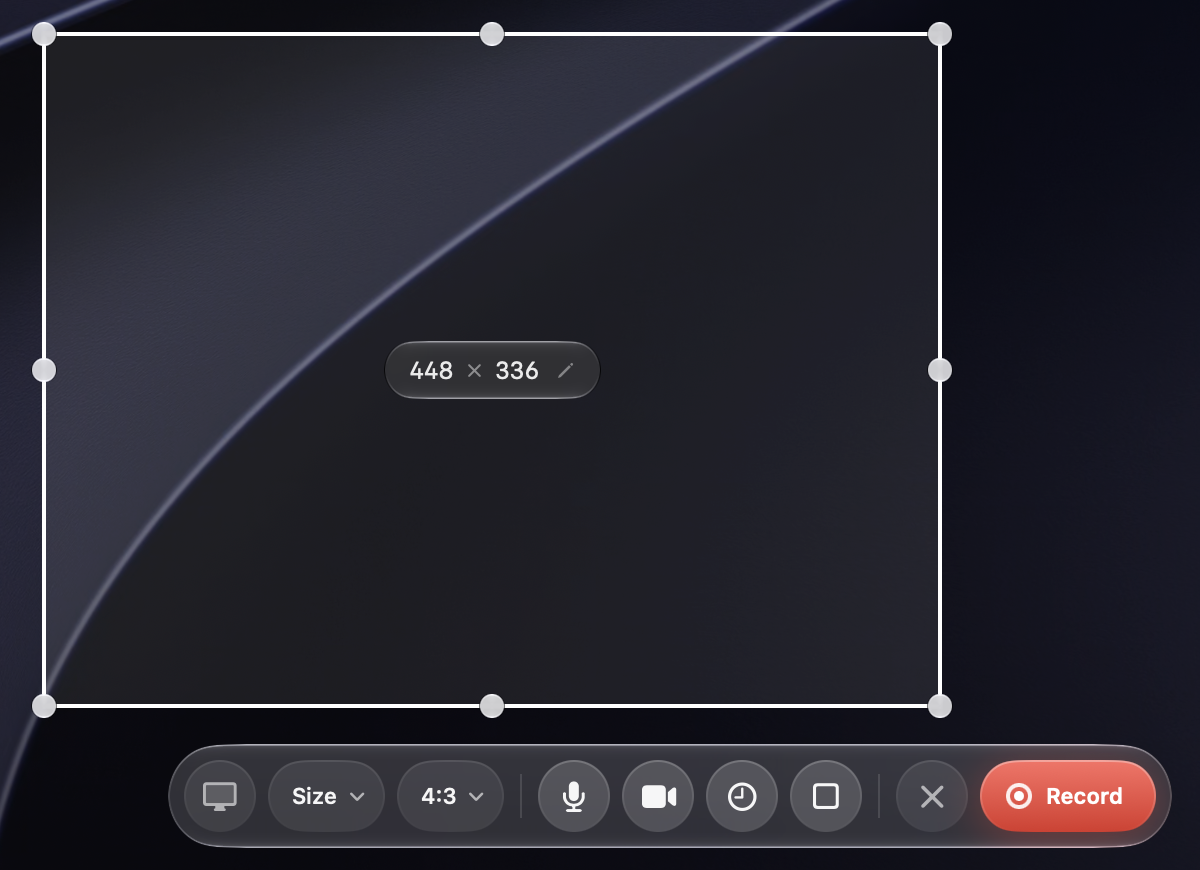
Area recording
Drag a boundary box anywhere on screen and Luxel records only what's inside. Size presets, aspect ratios, microphone, camera, delay, and auto-stop stay attached to the selection.
Primary features
Capture, replay, export, transcripts, automation, and localization stay inside one focused Mac app.
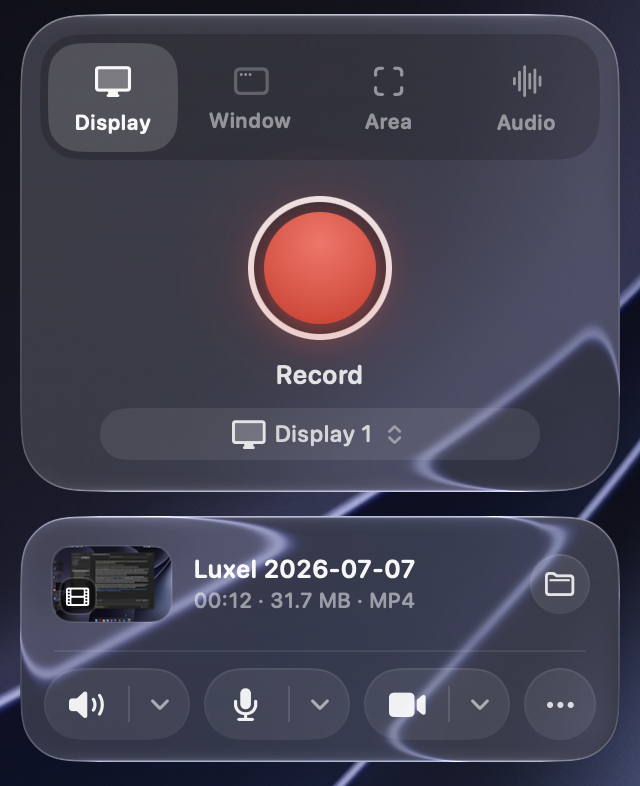
Record
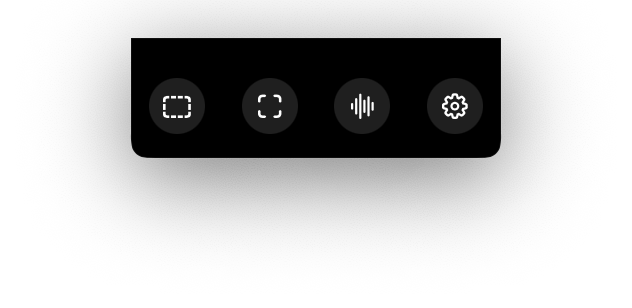
Start display, window, area, and audio-only recordings from the menu bar. Luxel keeps target selection, audio toggles, cursor visibility, click highlights, permission status, recent files, and quick recording controls close without opening a full app window.
Recover
Turn on the replay buffer when you need to capture what just happened. Luxel keeps recent screen activity ready and saves a replay clip without stopping the buffer.
Prompt
Speech Detection Prompts can listen for sustained speech-like audio and ask whether you want to start an audio recording. Detection runs locally while Luxel is open. It never starts recording on its own.
Before you choose Start Recording, microphone frames are discarded. Luxel creates no pre-roll, media file, history item, transcript, sidecar, or cloud upload.

Polish
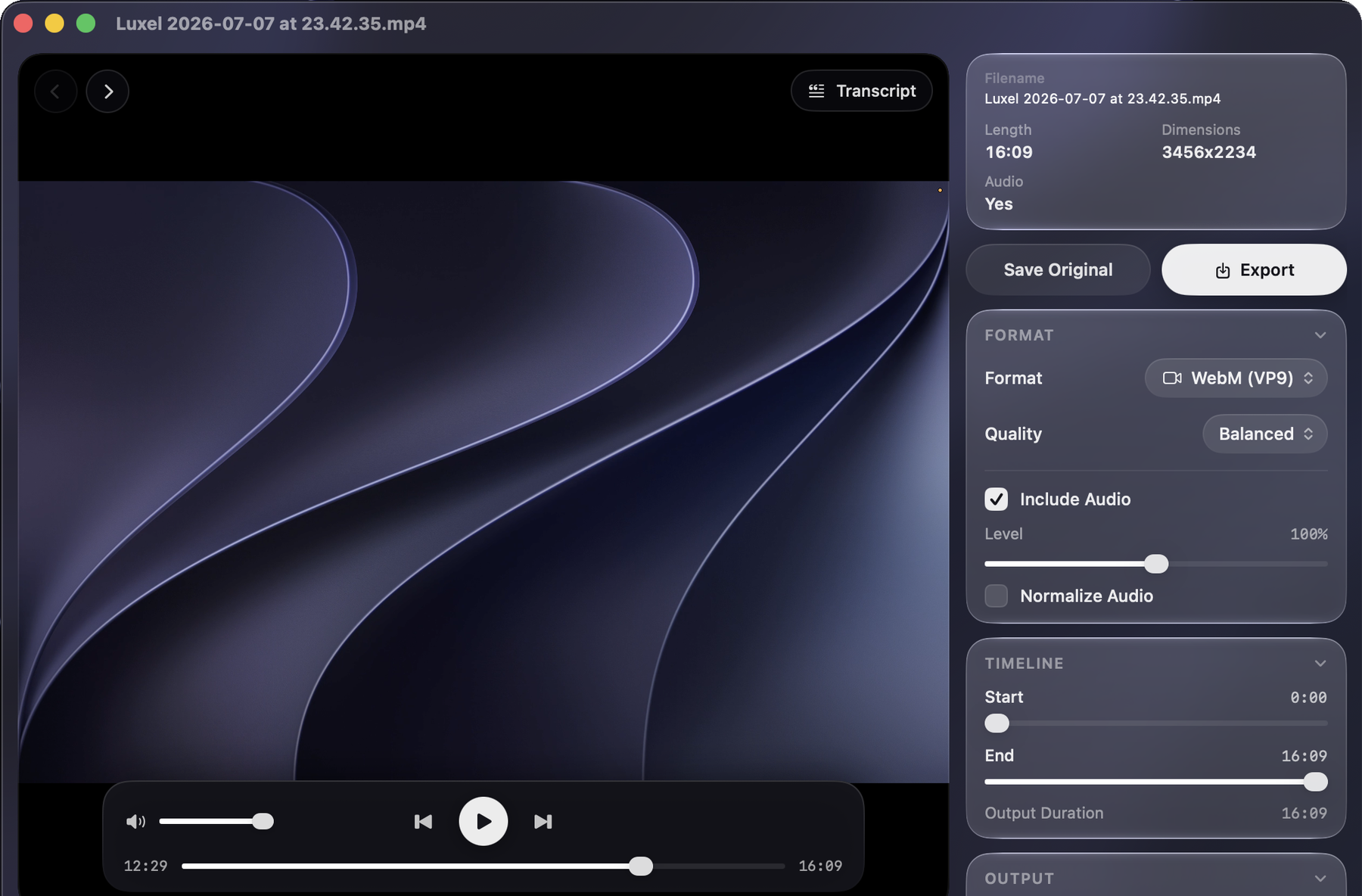
Open recordings in the editor to trim, resize, retime, crop-to-fill, adjust audio, copy frames, save originals, and export video, animation, or audio files from the same workspace.
Text
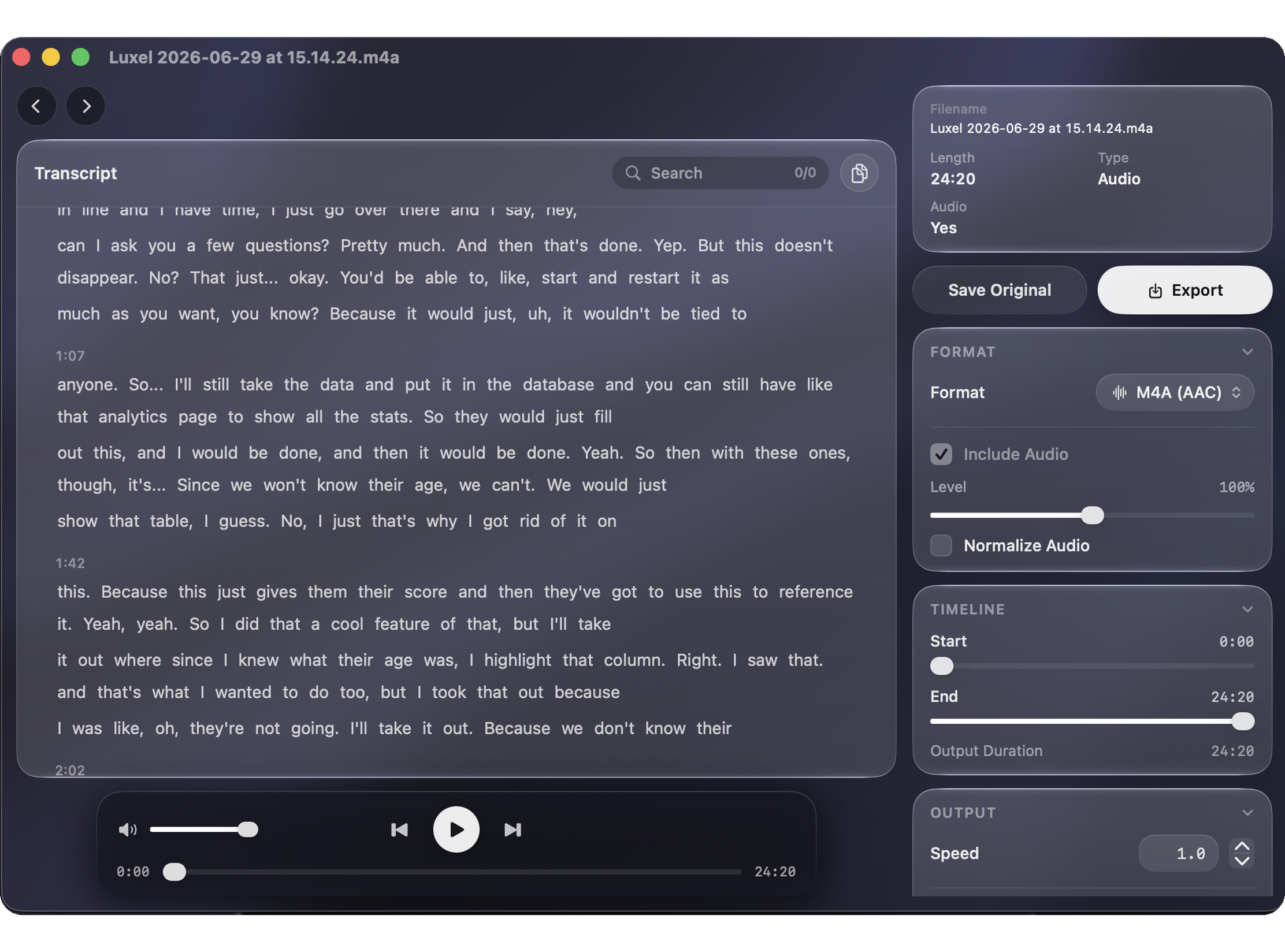
Turn video and audio into searchable text on your Mac. Choose from all 29 supported transcription language options, then search and jump through the text in the editor.
Speakers
Separate voices in a transcript, name the people you recognize, and let Luxel match Known Speakers in future recordings—all on your Mac.

Automate
Install the standalone luxel CLI, pair it with the app, and control Luxel from shell scripts, launchers, URL automation, or Shortcuts. See the CLI repository for source and the command-line documentation.
curl -fsSL https://luxel.media/cli/install.sh | shControl
Tune Luxel for repeated work with editable global shortcuts, quick export presets, reusable crop sizes, command-line access controls, update controls, and replay buffer behavior.
Global
Luxel is available in 11 languages, including the app interface and privacy permission prompts.
How to use Luxel
Straight answers to common Mac recording tasks, with the controls you need and no cloud workflow.
Yes. Open Luxel from the menu bar, choose a display, app window, or selected area, and start recording. The steps are the same on a MacBook Air or MacBook Pro, and you can add a camera overlay when you want to record yourself too.
Choose what to capture, then turn on System Audio for app sound, Microphone for your voice, or both. Record, pause or resume as needed, then trim and export the finished video.
Open a Luxel recording or another approved local media file, choose the spoken language, and create the transcript on your Mac. Search the text and jump to spoken words in the editor, or use the CLI to write text or JSON.
Choose a microphone and AAC or ALAC in Recording settings, then start Audio from the menu bar or use the Audio Only shortcut. Luxel saves an M4A file that you can play, transcribe, and export.
Transcription languages
Choose the language spoken in your video or audio before you transcribe. Luxel processes the media on your Mac and writes the transcript in that same language.
Recording controls
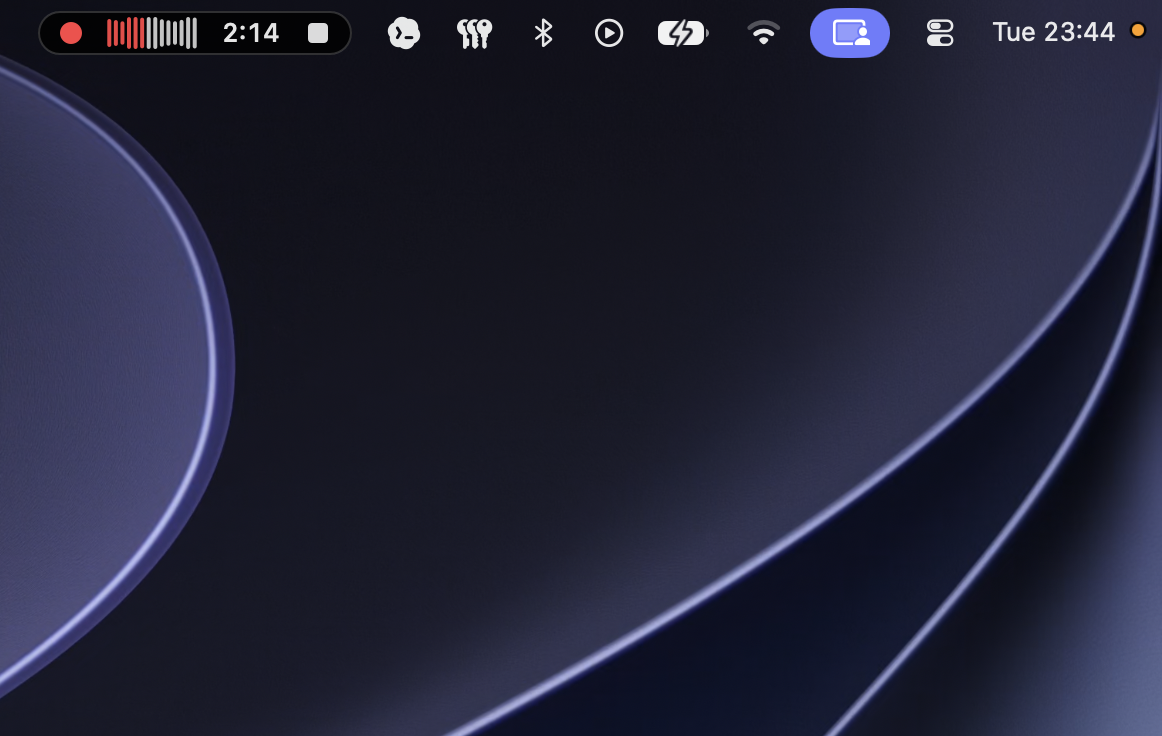
Luxel keeps recording state where your eyes already go: timer, waveform, and stop control stay close at hand.
Menu bar status
When recording starts, Luxel switches the menu bar into a compact live state with the recording indicator, waveform, elapsed time, and stop control always close at hand.
Audio transcripts
Open audio-only recordings in the editor with local transcripts, search within the text, and keep playback, export, and transcript review in one workspace.
Export
With fast exports plus WebM and AV1 support, Luxel keeps video, animation, and audio-only formats close without turning the recorder into an editor you have to manage.